
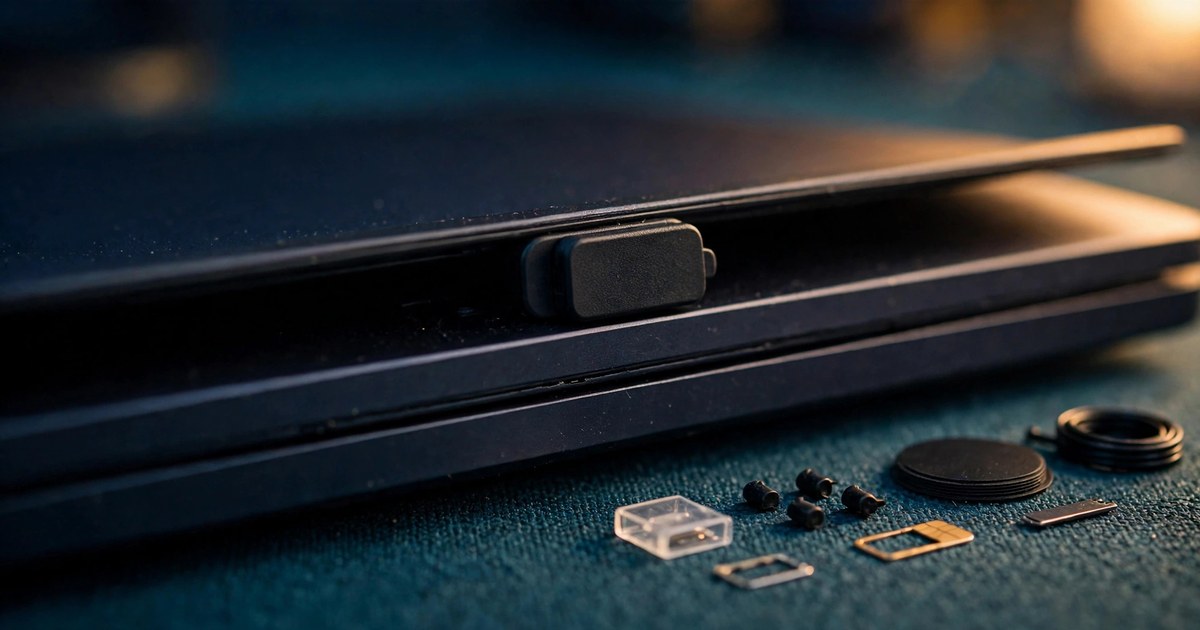

Not every privacy upgrade requires learning to code or installing Linux. Some of the most effective protection you can buy costs less than a pizza and takes five seconds to set up.
These are the small, physical fixes I recommend to everyone — friends, family, and now you.
1. Cover Your Webcam (Yes, Really)
"But I have nothing to hide." It's not about having something to hide — it's about not handing a stranger a live camera into your bedroom. Webcam malware is real, it spreads through the same phishing emails we talked about before, and victims usually have no idea they're being watched.
The fix costs almost nothing — a sliding webcam cover like this ultra-thin CloudValley 2-pack.
What to look for: ultra-thin sliding covers (so your laptop still closes flat). A 2-pack covers your laptop plus one more device — grab two if you want your tablet and monitor covered too. Avoid the thick stick-on dots — they fall off and leave residue.
The habit: Slide it closed when you're not on a call. It becomes muscle memory in a week. Yes, even the front camera on the phone you never use for video calls.
2. Never Trust a Public USB Charger — Use a Data Blocker
Airport charging stations, hotel USB ports, the free cable at the coffee shop — these are convenient, and they're also a classic attack vector. A compromised USB port can do more than charge your phone: it can silently copy data off it. The attack even has a name: juice jacking.
You don't need to stop charging in public. You need a USB data blocker — a tiny adapter that sits between the port and your cable and physically cuts the data lines, allowing only power through. No data in, no data out.
What to look for: a simple pass-through adapter (no software, no batteries, nothing to configure), USB-C and USB-A compatibility depending on your devices. Grab a couple — one for your bag and one for your travel kit.
The habit: It lives on your charging cable permanently. You stop thinking about it, and you're protected everywhere you plug in.
3. Put a Privacy Screen on Your Laptop
Coffee shops, airplanes, waiting rooms — everyone around you can read your screen. Shoulder surfing is the lowest-tech hack there is, and it works because nobody thinks about it.
A magnetic or adhesive privacy screen filter narrows your display's viewing angle so only someone directly in front of it can read it. To the person beside you, it's just dark glass.
What to look for: your exact screen size (measure diagonally), magnetic attachment if your laptop bezel supports it (easier to remove for movies), and a matte finish to cut glare.
4. Ditch the Smart Speaker in the Bedroom
This one's free. Smart speakers listen for a wake word, which means the microphone is always on. Misheard wake words, accidental recordings, voice clips reviewed by contractors — it's all documented.
You don't have to throw it out. Just move it out of rooms where you have private conversations, and use the physical mute button (not the app, the button) when you're not using it. Privacy that costs zero dollars is the best kind.
5. Turn Off Bluetooth and Location When You're Not Using Them
Your phone broadcasts Bluetooth beacons and location data to anything listening — stores track foot traffic with it, and attackers can use it to profile you. Both take two seconds to toggle off.
The habit: Bluetooth on only when you're connected to something. Location on only for maps and the apps that genuinely need it — check your app permissions once and revoke location from everything that doesn't need it. Most apps ask out of habit, not necessity.
The Bottom Line
Privacy isn't one big dramatic decision. It's a dozen tiny ones. Cover the camera, block the data, narrow the screen, mute the speaker, kill the beacons. Each takes seconds. Together, they close the easy doors — and criminals, like water, always take the easiest path.
Pair these physical fixes with a solid digital backup: learn the 3-2-1 backup rule that ransomware-proofs your files.
Heads up: this post contains affiliate links — as an Amazon Associate I earn from qualifying purchases, at no extra cost to you. Full details on the Affiliate Disclosure page.




Comments (0)
No comments yet — be the first. Comments are moderated, so yours will show up after a quick review.