
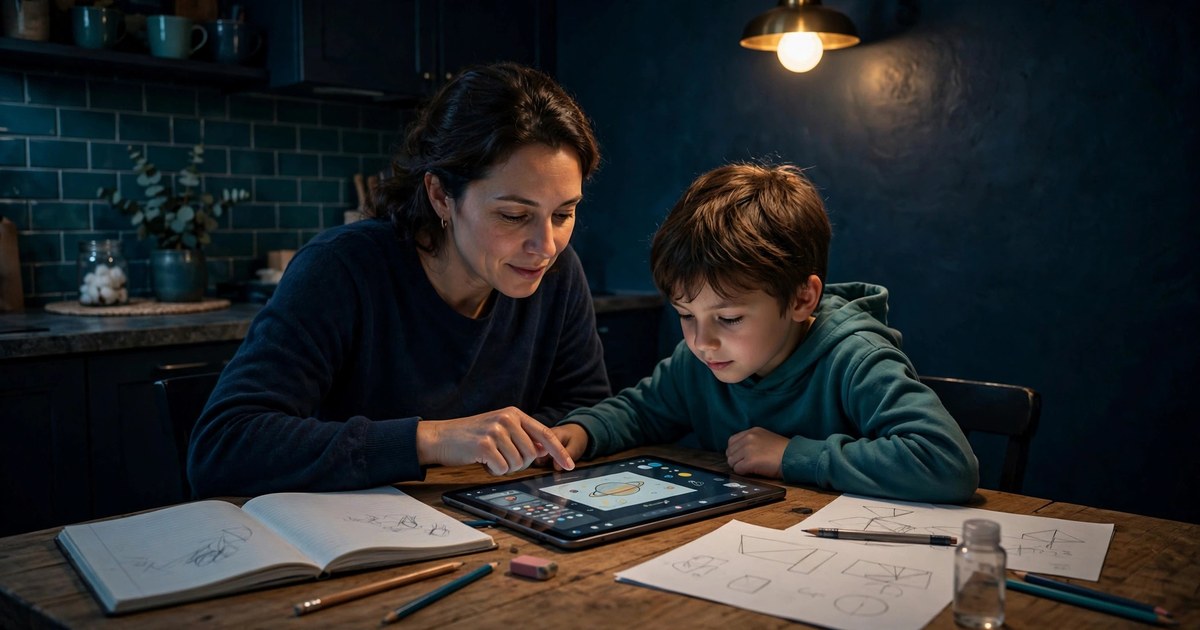
Nobody wakes up wanting to think about passwords. They are the lock on the shed door of modern life — boring, easy to ignore, and the only thing standing between a stranger and everything you keep online. This is a plain-English starter kit, written for anyone, including someone's parent setting up a tablet at the kitchen table. No fear-mongering, no jargon for its own sake. Just the handful of habits that stop almost all of the everyday trouble before it starts.
You do not need to become a security expert. You need a password manager, a second step on your important accounts, a pause before you click, and a backup of the things you would cry over losing. That is most of it, and every bit of it is within reach of a regular person on a regular evening.
Unique Passwords and the Manager That Remembers Them
The most common way accounts get taken over is embarrassingly simple. A person uses the same password on ten sites. One site gets breached, that password ends up on a list, and criminals try it everywhere else automatically. Your email falls, then your shopping accounts, then everything tied to them. The password itself might even have been a good one. Reusing it is what made it worthless.
The fix is a unique password for every account — and before you object, no, you are not expected to memorize fifty passwords. Nobody can. That is what a password manager is for. It is an app that stores all your passwords in one locked vault, protected by one strong password you do remember, and it fills them in for you. Bitwarden is a well-known free option that does the job well, and there are others. Pick one, set it up once, and let it generate long random passwords you will never have to type or remember.
Your one master password matters, so make it a phrase: four or five ordinary words strung together are both strong and memorable. Write it on paper and keep that paper somewhere safe at home while you settle in. A password on paper in a drawer beats a weak password reused everywhere, every time.
Two-Factor: The Second Lock
Two-factor authentication sounds technical and is actually simple. After your password, the account asks for one more proof it is really you — usually a code from an app on your phone, or a prompt you tap to approve. Even if someone steals your password, they do not have your phone, so they do not get in.
Turn it on for the accounts that matter most:
- Email first, because email resets everything else
- Banking and money apps
- Social media accounts you have had for years
- Any account tied to your photos, files, or work
Yes, it adds ten seconds to signing in. Those ten seconds are the cheapest insurance in your entire digital life. If a service offers an authenticator app instead of text codes, prefer the app, but text codes turned on still beat no second step at all.
Spotting Phishing Without a Computer Degree
Phishing is a fake message pretending to be someone you trust — a bank, a delivery company, a government office — trying to rush you into clicking a link or handing over details. The message is the con. The technology is almost beside the point. Three checks catch most of it.
Urgency. Real organizations rarely demand action in the next few hours under threat of disaster. Scammers always do, because a rushed person does not stop to check. Any message trying to make your heart race is a message to slow down on.
The sender. Look at the actual email address or number, not just the display name. Names can say anything. Addresses are harder to fake convincingly, and a bank notice coming from a random string of letters is not a bank notice.
The link. Do not click through from the message at all when it involves money or accounts. Close the message, open the company's real app or type the address you already know, and check there. If the urgent problem is real, it will be waiting for you in the account. It almost never is.
Updates and the Backup Habit
Those update prompts you keep postponing are mostly security patches — fixes for holes that are already known and actively used. Turning on automatic updates for your phone, computer, and browser is a five-minute job that quietly closes doors behind you while you sleep. Do it once and stop thinking about it.
Backups are the other quiet hero. Photos, documents, the files you would genuinely grieve — if they exist in only one place, they are one dropped phone or one dead hard drive away from gone. The simple version of the habit: keep your important files in two places, one of them not in the same building as the other. An external drive you update monthly plus a cloud copy covers most people. Set a reminder, plug in the drive, copy the folder, done.
Backups also end the worst scam of all, the one where a criminal locks your files and demands payment. If you have a backup, a locked computer is an inconvenience. Without one, it is a hostage situation.
Small Habits, Real Protection
That is the whole kit. Unique passwords kept in a manager. A second step on the accounts that matter. A pause and three checks before any urgent message gets a click. Automatic updates on, and backups done on a schedule instead of a prayer.
None of it requires talent, money, or fear. It requires one evening of setup and a little stubbornness afterward. The scammers are counting on you never getting around to that evening. Get around to it, help your parent get around to it, and most of the trouble that fills the news will pass your house by — not because you outsmarted anyone, but because you locked the doors you already had.



Comments (0)
No comments yet — be the first. Comments are moderated, so yours will show up after a quick review.