
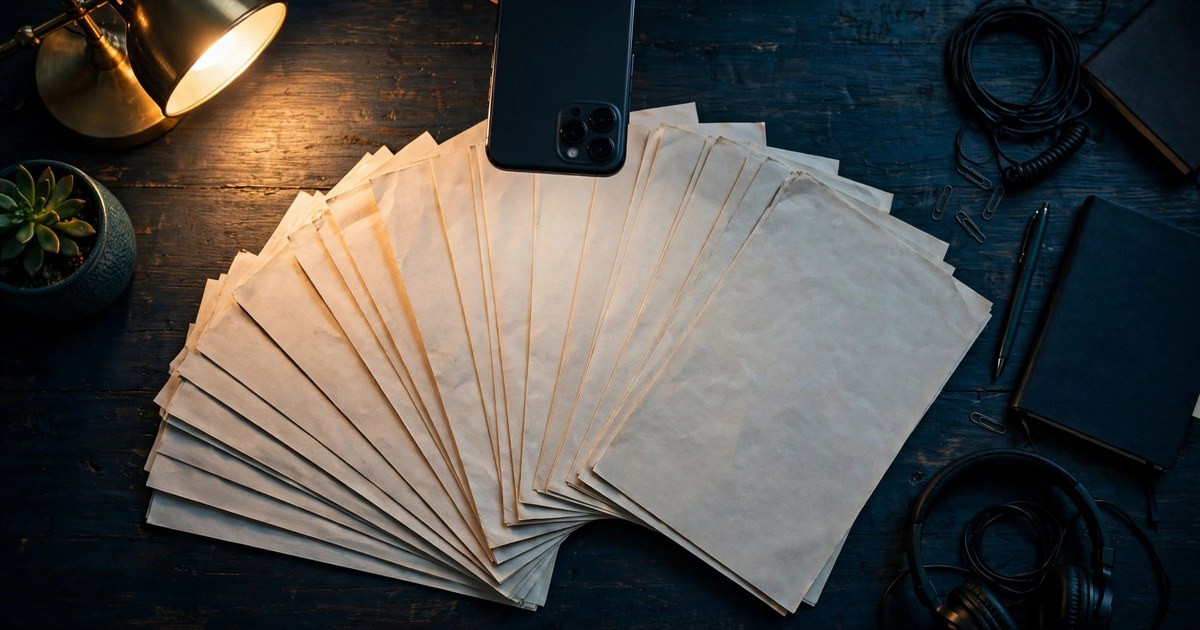
I don't own a scanner. Never have. But I've got a phone in my pocket, a drawer full of receipts, a folder of bills, warranty cards for tools, and insurance papers I can never find when I need them.
Turns out the scanner was in my pocket the whole time. Your phone camera plus a few free tools can digitize your entire paper life — and AI can read it, search it, and organize it for you. Here's the whole system.
Step 1: The Camera IS the Scanner
You don't need a scanning app to start. Both iPhone and Android have one built in:
- iPhone: Open Notes → new note → tap the camera icon → "Scan Documents." It auto-detects the page edges, straightens it, and saves a clean PDF.
- Android: Open Google Drive → tap the + → "Scan." Same deal — it crops, straightens, and saves.
Lay the paper flat on a table with decent light, hold the phone steady above it, and let it do its thing. Two seconds per page. A shoebox of receipts takes one TV episode.
Pro tip: dark table, bright room. The scanner apps find page edges way faster when the paper contrasts with what's underneath it.
Step 2: Extract the Text From Your Photos
Here's where it gets good. A photo of a receipt is just a picture — you can't search it. But free tools can read the text out of the image (it's called OCR, and your phone probably does it already):
- Google Lens (free, in the Google app): point it at any document or photo of text, tap "Text," and copy every word out of it.
- iPhone Live Text: open any photo with text in it, tap and hold the text — you can copy it like it's a web page.
- Google Drive: upload a scanned PDF, open it in Google Docs, and Drive offers to convert it to editable text automatically.
Suddenly that stack of warranty cards is searchable. "When did I buy the drill?" becomes a two-second search instead of a twenty-minute drawer excavation.
Step 3: Let AI Organize the Pile
Once your documents are digital, AI does the boring part. Paste the extracted text into a free chatbot and ask things like:
"Here's the text from six months of utility bills. Make me a simple table: month, amount due, due date. Flag any month that looks unusually high."
Or for receipts:
"Sort these receipts into categories — tools, auto, household, other — and total each category."
Come tax time, this is gold. Instead of a shoebox of faded thermal paper, you've got a clean summary. Your future self will thank you.
Step 4: The 5-Minute Weekly Habit
The system only works if the paper doesn't pile back up. My rule: every Sunday, the mail gets triaged in five minutes.
- Scan it — phone camera, two seconds a page.
- Name it — "2026-10-power-bill.pdf", not "scan003.pdf". Future-you needs to find this.
- File it — one folder on your phone or cloud drive. Bills, receipts, warranties, done.
- Shred the paper — if it's digitized and backed up, the paper copy is just clutter (and an identity-theft risk sitting in your trash).
Five minutes a week. That's the whole maintenance plan.
What to Keep on Paper (the Short List)
Not everything should go digital-only. Keep physical copies of: birth certificates, property deeds, vehicle titles, and anything with an original signature or seal that a scan can't replace. Everything else — bills, receipts, statements, manuals — is fine digital.
Frequently Asked Questions
Are phone scans good enough for official stuff? For your own records, absolutely. For taxes, digital copies are generally accepted — but check your country's rules, and keep originals of anything truly irreplaceable.
Is it safe to store documents in the cloud? For everyday bills and receipts, yes — use a reputable service with two-factor authentication turned on. For highly sensitive documents, keep an encrypted copy on an external drive too. And never upload anything with passwords or banking logins written on it.
My handwriting is terrible — will this work for handwritten notes? Printed text works great. Handwriting is hit or miss — neat handwriting reads fine, doctor-style scrawl not so much. For handwritten stuff, the photo itself is still a perfectly good digital copy even if the text extraction struggles.
The Bottom Line
You don't need a scanner. You need a phone, five minutes on Sundays, and the habit of naming files like someone who wants to find them later. Your paper piles become searchable, your tax season gets easier, and your junk drawer finally closes all the way.
Disclosure: This post contains affiliate links. If you buy through them, I may earn a commission at no extra cost to you.







Comments (0)
No comments yet — be the first. Comments are moderated, so yours will show up after a quick review.